App Support
The Rated Traders app lets tradespeople listed on Rated Traders see new leads, quote requests and messages the moment they arrive, contact customers in one tap and choose how they are alerted. If you can't find the answer here, get in touch and we'll help.
Getting started
- Download the Rated Traders app from the App Store or Google Play.
- Sign in with the same email address and password you use for your Rated Traders dashboard.
- When the app asks, allow notifications so new enquiries reach you straight away.
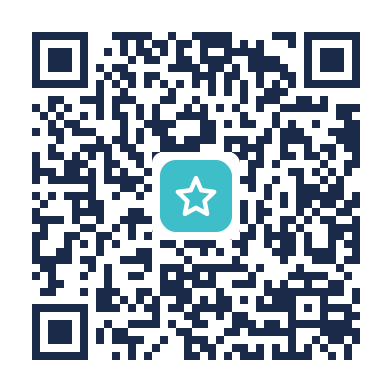 Download on the App Store
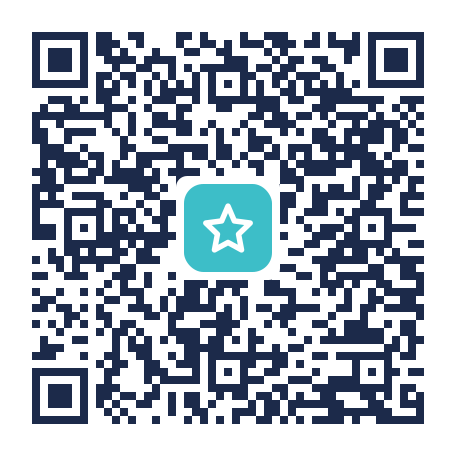 Get it on Google Play
On a computer? Scan a code with your phone's camera to go straight to the app.
The app is for businesses with a paid Rated Traders plan. Not listed yet? See List your business. Already listed but never signed in? Claim your listing first, from the link in our email or the "Claim this listing" link on your listing page.
If you manage more than one business, use the business switcher at the top of the screen to move between them.
Notifications
In Settings, choose how you hear about each type of enquiry. These are the same switches as the Notifications page of your dashboard, so changing them in one place changes both.
- Mobile App and Email: for quote requests and messages on every paid plan.
- SMS and WhatsApp: on the Featured and Recommended plans, which also get Post a Job leads. Add the mobile numbers to use under the switches.
Not getting app notifications?
- Check the Mobile App switch is on in Settings for that type of enquiry.
- Check notifications are allowed for Rated Traders in your phone's settings (iPhone: Settings, Notifications; Android: Settings, Apps, Notifications).
- Turn off Focus or Do Not Disturb, or allow Rated Traders through it.
- Sign out and back in. This registers your phone again for notifications.
Leads, quotes and messages
- Leads are Post a Job requests from homeowners in your area, sent to Featured and Recommended businesses once ID and Trust Verified.
- Quotes are quote requests sent from your Rated Traders profile.
- Messages are direct messages sent from your profile.
Open any enquiry to see the customer's details, then tap Call, Text, WhatsApp or Email to reply using your phone's own apps. Archive an enquiry once you've dealt with it; archived ones stay in the Archived filter and can be restored. Announcements from us appear under the bell on the Home screen.
Your account
- Forgotten password: tap "Forgotten password?" on the sign-in screen, or reset it from the dashboard. The new password works in the app and on the dashboard.
- Change password: from your profile, the person icon in Settings.
- Business details, photos and your plan: change these on your dashboard.
- Delete your account: see how to delete your account in our app privacy policy.
Fixing common problems
"No business linked"
Your login isn't connected to a listing yet. Claim your listing on the website, or ask the account owner to add you to the business, then sign in again.
I can't sign in
Use the email address your dashboard account uses, and reset your password if you're not sure of it. If you still can't sign in, email hello@ratedtraders.com with your business name.
Something looks out of date
Pull down on any list to refresh it. If an enquiry you expected is missing, check the Archived filter.
The app isn't working properly
Update to the latest version from the App Store or Google Play, then close and reopen the app. If that doesn't fix it, tell us your phone model, the app version (shown at the bottom of Settings) and what happened.
Read our app privacy policy.