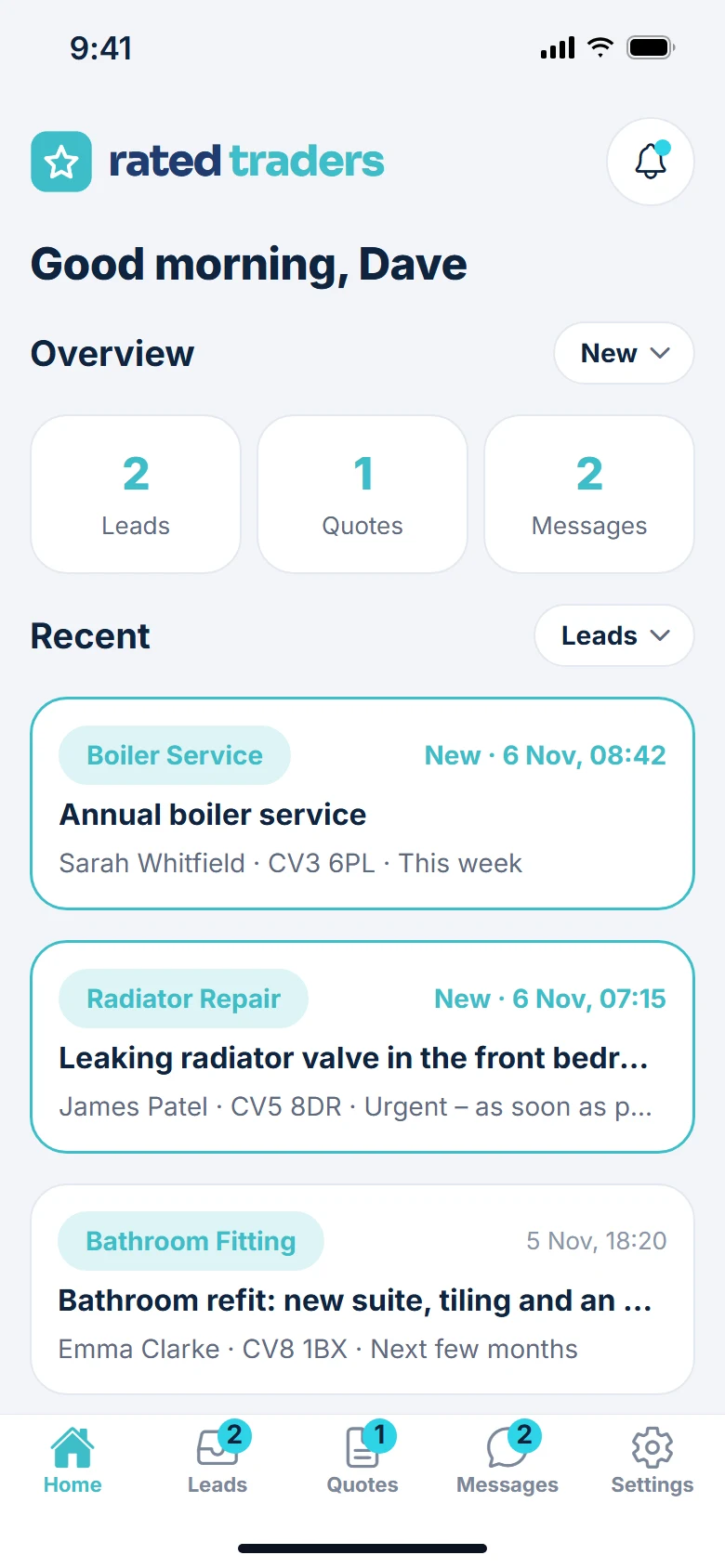
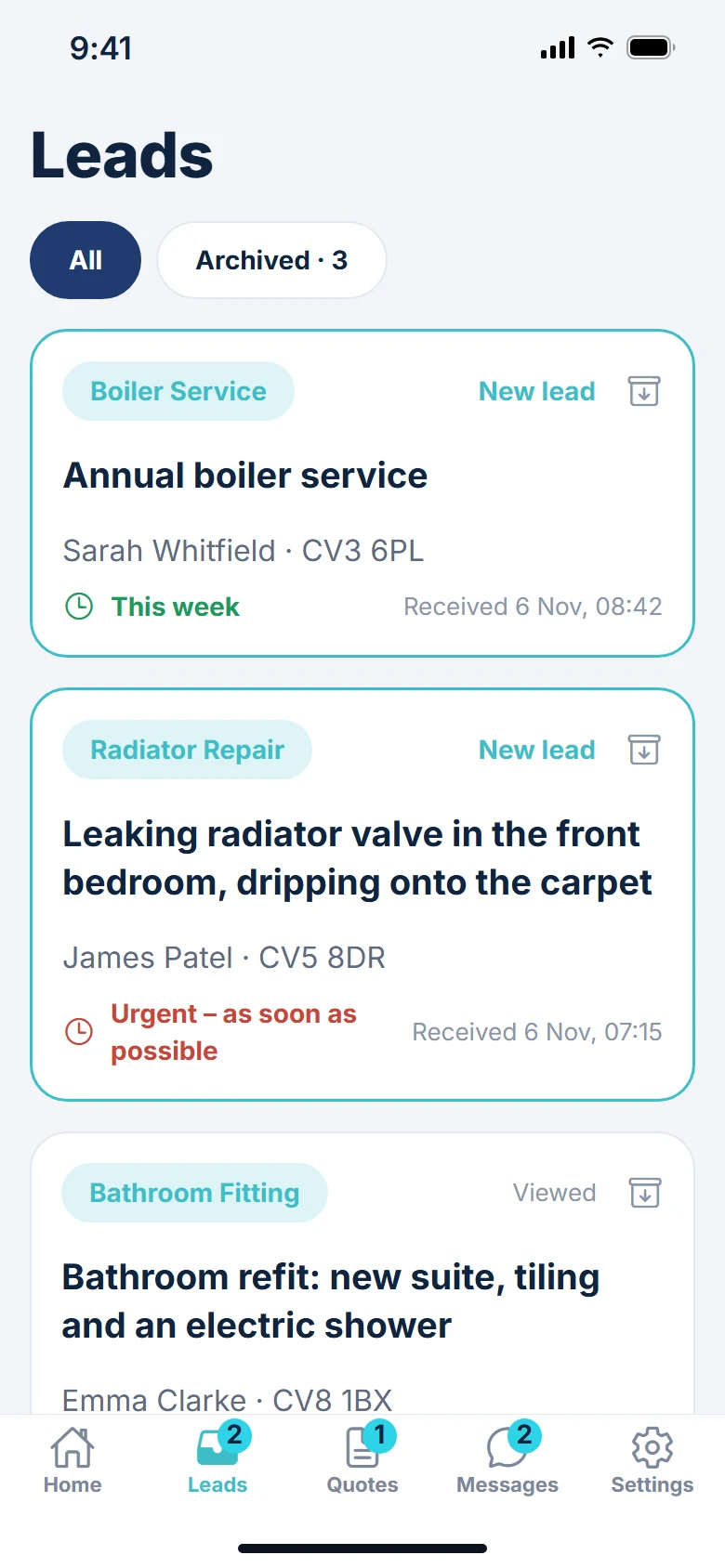
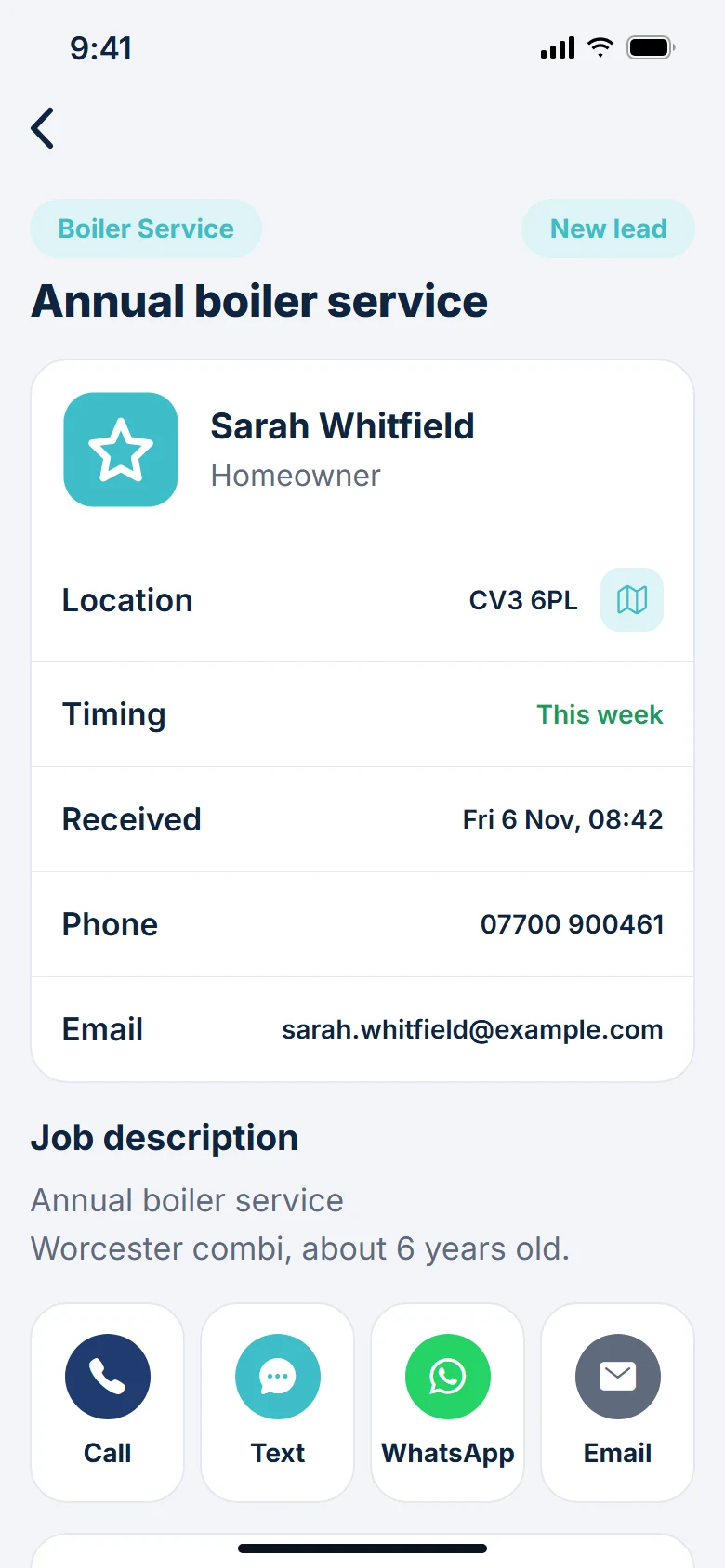
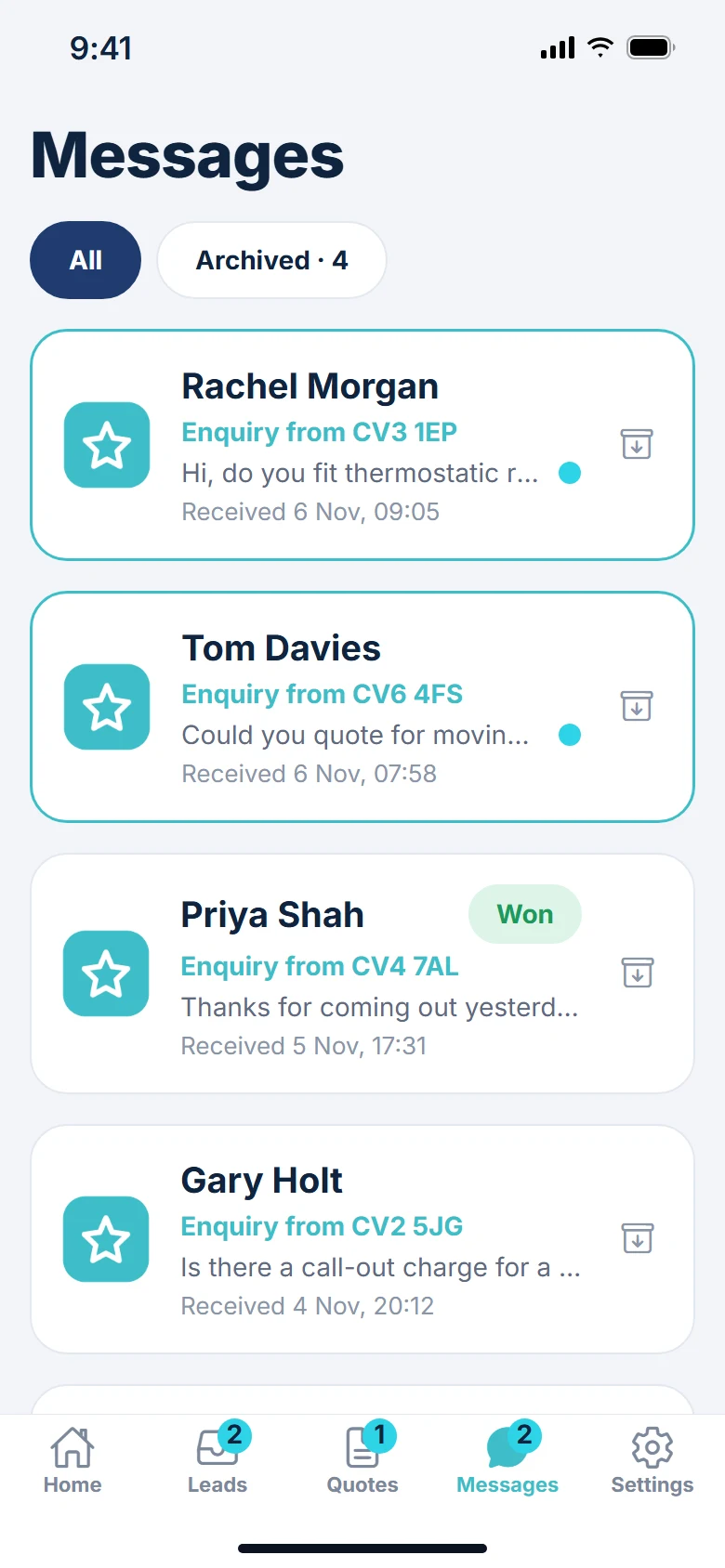
See new leads, quote requests and messages the moment they arrive, then call, text, WhatsApp or email the customer in one tap. For businesses on a paid Rated Traders plan; sign in with your dashboard email and password.
Open the app and the home screen shows how many leads, quote requests and messages have come in, with the most recent underneath so nothing slips through.

Jobs homeowners post on Rated Traders and quote requests sent straight to you arrive in their own tabs, newest first, with the job, the area and when the customer wants it done.

The business that gets back to the customer first usually wins the job. Every lead shows the customer's details with buttons that open your phone, messages, WhatsApp or email with their number or address already filled in.

When a homeowner messages you from your Rated Traders listing, it lands in the Messages tab with their name, contact details and what they asked.

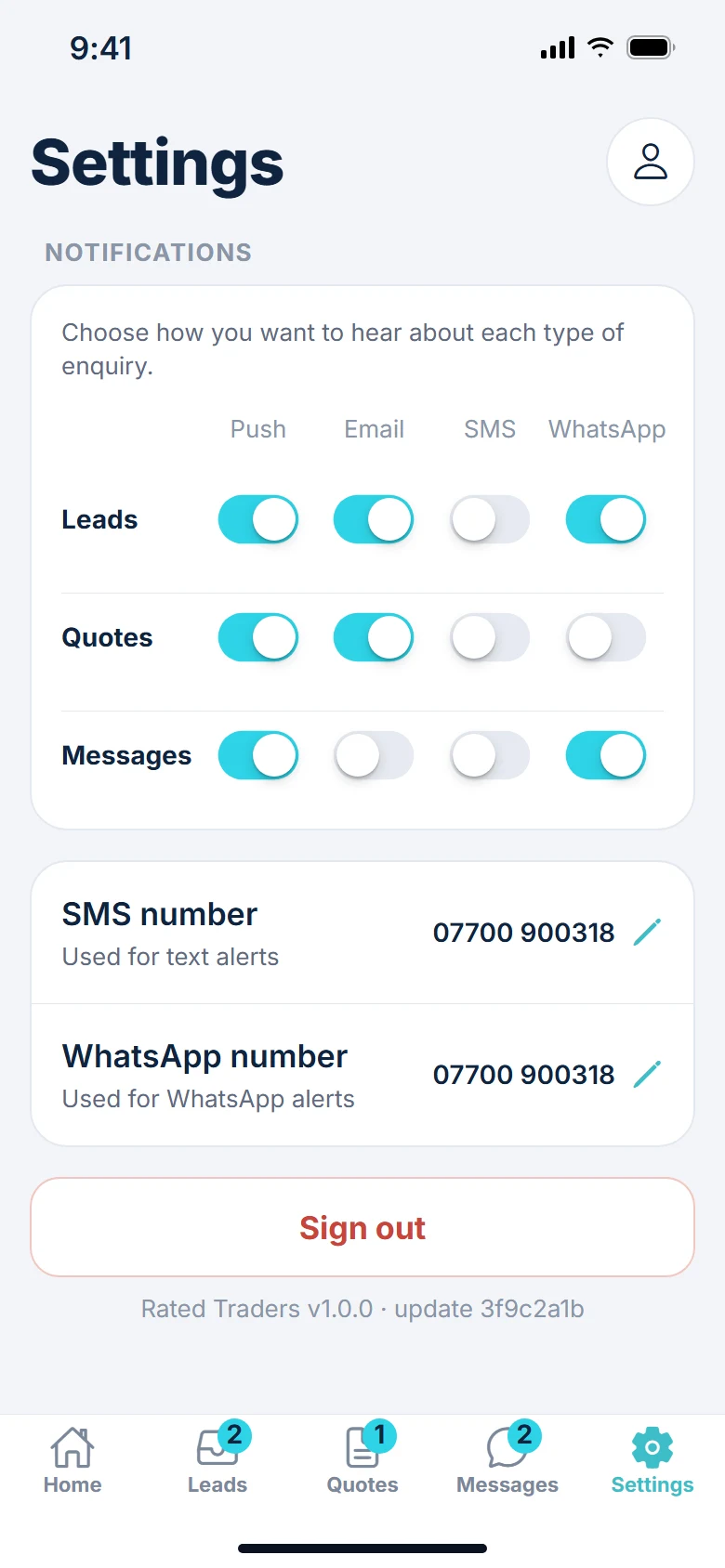
Choose, for leads, quotes and messages separately, whether you get a push notification, an email, a text or a WhatsApp. The same switches are on your dashboard, so change them in either place.
Any business on a paid Rated Traders plan (Pro, Featured or Recommended). Sign in with the email and password you use for your dashboard.
Nothing. It is included with every paid plan.
Android phones from Google Play, and iPhones from the App Store.
Only if you want them. Each type of enquiry has its own switches for push, email, text and WhatsApp, in the app and on your dashboard.
Claim your listing first, from the link in our email or the "Claim this listing" link on your listing page, then choose a paid plan.
Need help? See App Support. Not listed yet? List your business.